- Products
- ResourcesDEVELOPER

 API
API
Clearout APIs are structured around REST and JSON Webhooks
Capture real-time events in your application workflow Form Guard
Real-time form validation to keep bad contacts out of your CRMKNOWLEDGE BASE Getting started
Sending campaigns without bounces is made simple FAQ
FAQ
Easily find answers to services, security and common questionsUSE CASES Lead Generation
Learn how professionals generate quality leadsGUIDESPricing Transparent & flexible pricing to support pay-per-use or recurringCompare Email Verification Tools AI-powered email verification with 99%+ accuracy, real-time validation, and transparent risk scoringCompare Email Finder Tools Pre-verified B2B email addresses with confidence scoring, find real person email, not role-based addressBLOGSEmail Verification ToolsFind Anyone’s Email Address
Most Accurate, Fast & Free WaysForm Validation
Importance, Ways & Best PracticesView All Blogs - Pricing
- Integrations
- Enterprise
- Login

Connect Clearout to over 1,500+ Apps using Zapier for Email Validation & Email Finder
Automate the tedious time-consuming tasks around your scheduling workflow in minutes.
How to Verify/Find emails in Zapier in just 5 Simple Steps
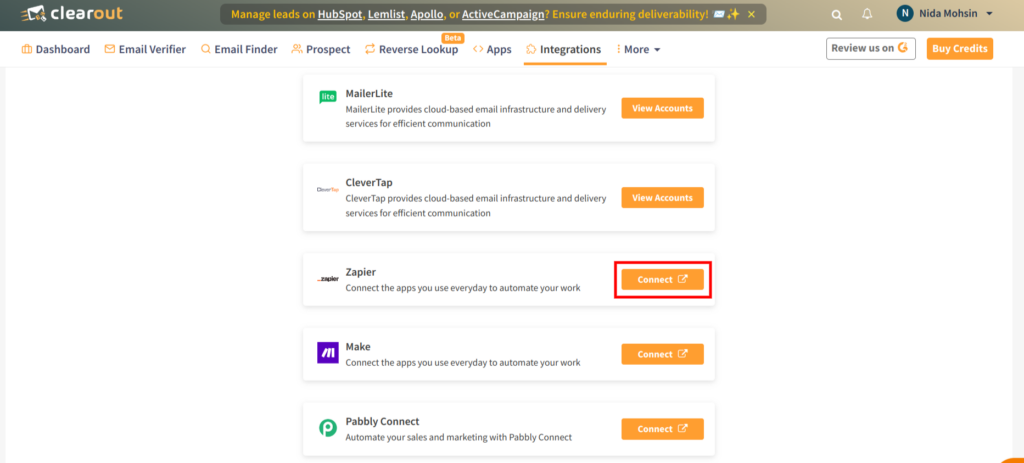
1. Connect with Zapier
To integrate Clearout with any other app available on Zapier, you will need to have a Zapier account.
In case you do not have one, please create an account.
In case you do not have one, please create an account.
2. Create a New Zap
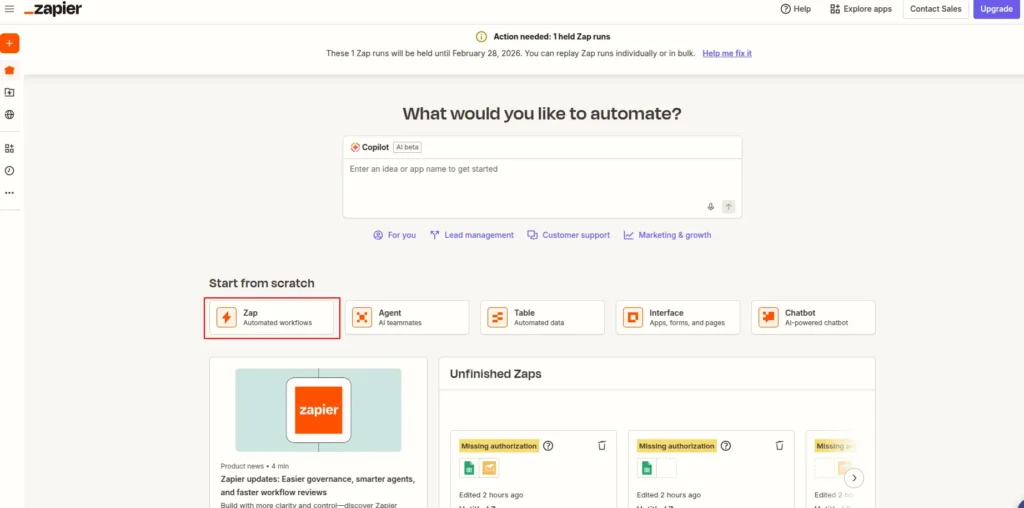
Log in into your Zapier account, click on Make a Zap! button to create a new zap. Give an appropriate name to your new zap.
3. Setup a Trigger
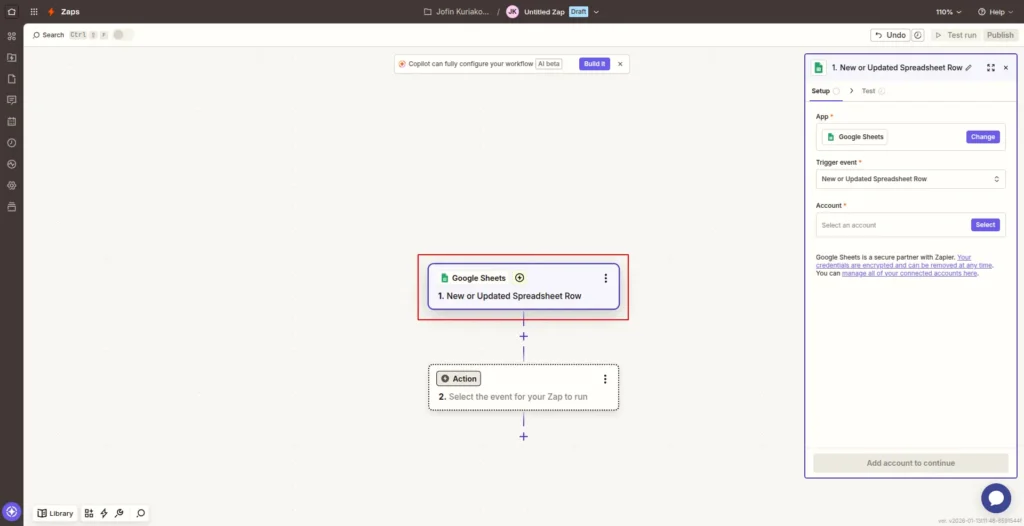
Every zap needs a trigger event to call an action.
For instance, we'll use Google Spreadsheet as the trigger app.
After selecting the Google Spreadsheet, the next screen will show all available triggers of the Google Spreadsheet by Zapier app.
Select the spreadsheet file and click Save + Continue button.
For instance, we'll use Google Spreadsheet as the trigger app.
After selecting the Google Spreadsheet, the next screen will show all available triggers of the Google Spreadsheet by Zapier app.
Select the spreadsheet file and click Save + Continue button.
4. Select an Action
- After setting up the trigger, you have to choose the actions for the trigger event.
- To set up an action, type in Clearout in the search box and select.
- The next screen will show you the available actions of Clearout app.
Key Actions
Select your preferable actions:
I. Verify Email Address
Validate an email address to assess its deliverability and quality. Clearout checks whether an email is valid, invalid, catch-all, disposable, or risky, helping you prevent bounces and protect sender reputation before outreach.
Validate an email address to assess its deliverability and quality. Clearout checks whether an email is valid, invalid, catch-all, disposable, or risky, helping you prevent bounces and protect sender reputation before outreach.
Note: To test your Zaps without consuming any credits, please use test email addresses.
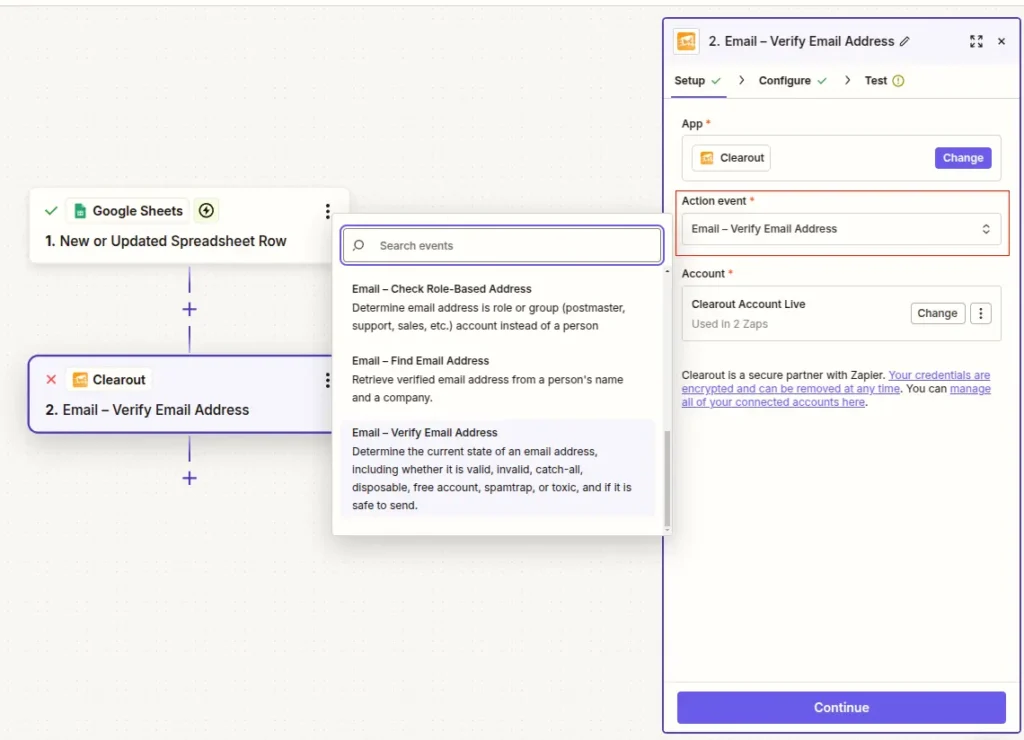
II. Find Email Address
Discover a professional, pre-verified email address along with an AI-driven confidence score using a person’s name and company domain. Ideal for lead enrichment, prospecting, and outbound workflows.
Discover a professional, pre-verified email address along with an AI-driven confidence score using a person’s name and company domain. Ideal for lead enrichment, prospecting, and outbound workflows.
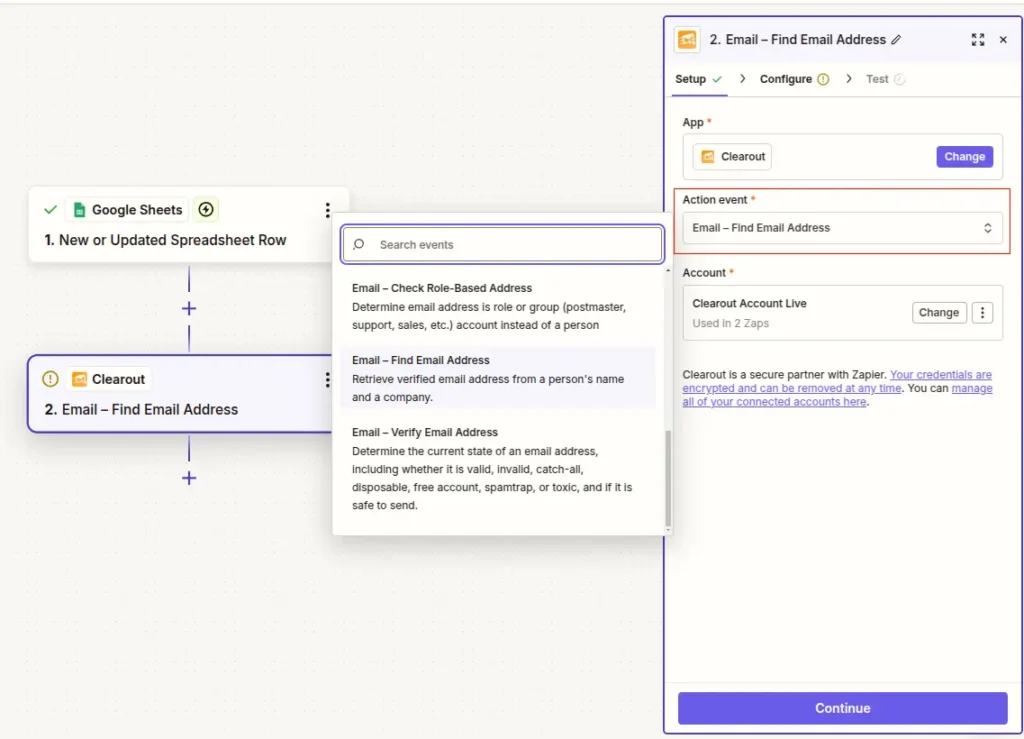
Note: Please ensure to use Clearout Zap verion (>2.2.0) to address Zapier's 30-second action timeout.
- Users who prefer to continue with an older version can handle longer-running tasks by using Zapier’s webhook-based callback service for asynchronous processing. Zap actions taking more than 30 seconds will error stating “The app did not respond in-time. It may or may not have completed successfully”.
5. Connect with Clearout Account
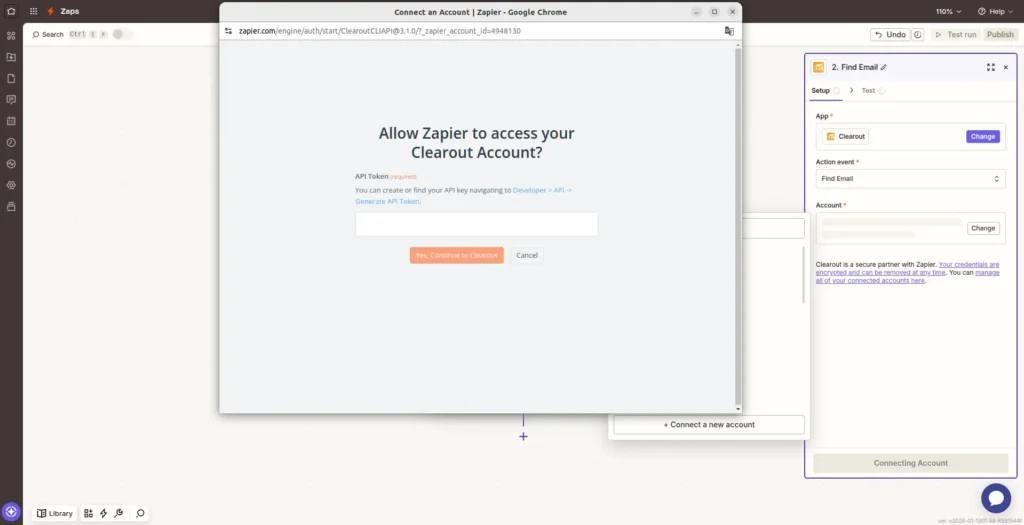
The next step will ask you to select your Clearout account. Click ‘Connect a new account’ button to set up a connection using the Clearout API Token.
Generating Clearout API Token:
Get your Clearout API key by logging in to your Clearout account - Developer > API > Generate API Token.
Generating Clearout API Token:
Get your Clearout API key by logging in to your Clearout account - Developer > API > Generate API Token.